Leaderboard


Popular Content
Showing content with the highest reputation on 10/27/2015 in Posts
-
3 points
-
2 pointsok so about a month after pat taught me how to lunge i decided to 1v1 my friend. it came to this http://images.akamai.steamusercontent.com/ugc/573440518204790971/E6FBC177FB575A6684445B41C9604D86C28825A6/ http://images.akamai.steamusercontent.com/ugc/573440518204790407/C4125AE8FD277D40299B3FD141949BF559C0B875/ after about 10 minutes of teaching the mechanics of it she said it was still bull and mechanics are a joke :P. tbh i think they are to you cant lunge like 5 metres :D irl2 points
-
Hello Zam community, It's been a long time that I made a post. but here I am again and to announce that i am back. I will giveaway a Misty skin/ something else if you don't have it yet. To help the servers going and help out the people I will get 2 lucky persons either one of the following choices: -Arlington -Misty -CIA -VIP on Snife -VIP in ZAM -Something else (and I will add in $5) Than you ask how do I enter? well, all you have to do is post your steamid below, your steam name and the your ingame XUID of BO. (Go in BO -> open console -> type in 'Steamid'-> copy that) and paste it in the comments (and like this post if you want). I will announce the winners on the 31-Oct-15 and I will contact you. If you don't react in 2 days I will give it to someone else. Greetings, Startune1 point
-
1 pointI wish I could but 35hours of work for each edit can't really do more :/1 point
-
1 pointNot playing objective and camping as zombie might be atleast 4 day ban. Why would you even put "ignore" option when its obvious he broke rules? Cause he is UU member? You wont decide long if it was regular player.1 point
-
1 point
-
1 point
-
-1 points
-
-1 points
-
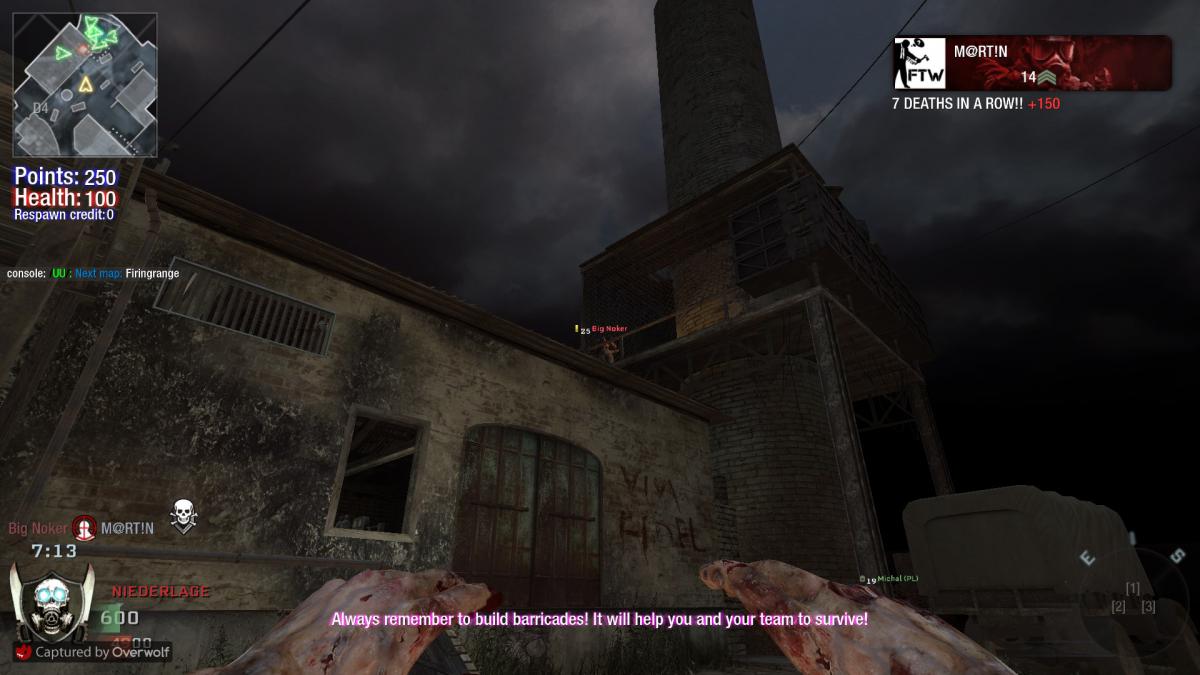
-3 pointsbefore is start giving the screens yea i know wrong section again but if i woulda post it on report player idk how long woulda i wait before some admin woulda see it. so yeah lets start now: -bluebarry<3 camping as zombie multiple times: http://steamcommunity.com/sharedfiles/filedetails/?id=542807007 http://steamcommunity.com/sharedfiles/filedetails/?id=542806805 http://steamcommunity.com/sharedfiles/filedetails/?id=542777879 so as you can see bluebarry<3 always crouch and coem to one spot and then he wait some humans to come...he does it every time hes a zombie -thafreakyevil camping as zombie: http://steamcommunity.com/sharedfiles/filedetails/?id=542285533 (ok so here we can see he was just sitting here and afk seeming and as soon as survivor(me) came he mooved and jumbed back so he avoided knife and then he killed me) http://steamcommunity.com/sharedfiles/filedetails/?id=542832424 http://steamcommunity.com/sharedfiles/filedetails/?id=542832224 so in that two screens you can see that he camped as zombie again even tought i said on nuked that imam report him if he does it again. -buff http://steamcommunity.com/sharedfiles/filedetails/?id=542806706 so here is buff afk seeming and camping as zombie. if u look in chat there is 1 more guy saying buff dont camp as zombie. -cheesy: http://steamcommunity.com/sharedfiles/filedetails/?id=542833058 so here you can see that cheesy was copying thacrazyevli and he sit up there and wait people to come. and some random guys rq: http://steamcommunity.com/sharedfiles/filedetails/?id=542285503 (maybe ban this guy for 2, 3 weeks? he rq 5 times per day tho) http://steamcommunity.com/sharedfiles/filedetails/?id=542285469 http://steamcommunity.com/sharedfiles/filedetails/?id=542285456 http://steamcommunity.com/sharedfiles/filedetails/?id=542285443 http://steamcommunity.com/sharedfiles/filedetails/?id=541217611 http://steamcommunity.com/sharedfiles/filedetails/?id=539170383 ok thats it for today and imma take more screens when people will break more rules :p and yet again sorry for posting dis in wrong topic c: EDIT: i wanted to add this one too :P http://steamcommunity.com/sharedfiles/filedetails/?id=507536311-3 points