


Platinum Class
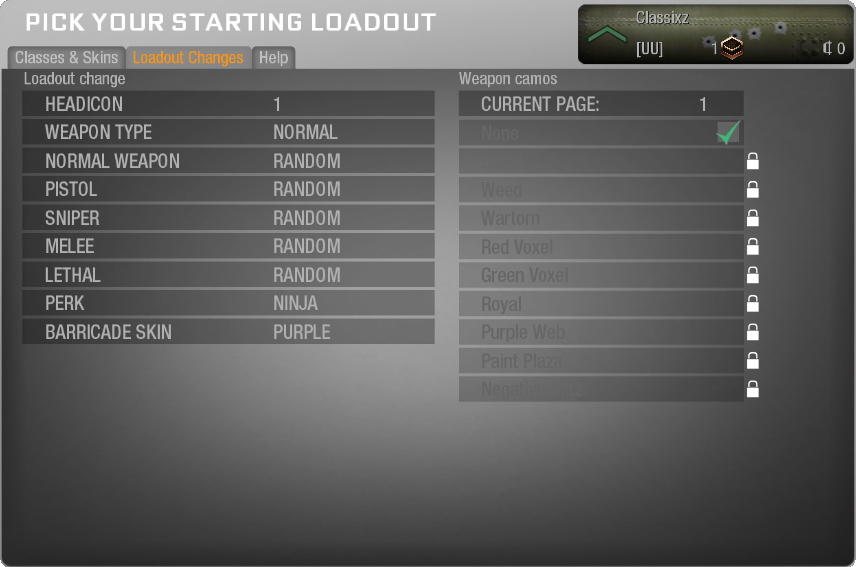
Platinum is simply a more powerful loadout. You will not earn any class unlocks using platinum. MVP is required to unlock all of the classes.
The following weapons and perks are available to Platinum players:
| Normal Weapons | Suppressed Weapons | Red Dot Weapons | Dual Mag Weapons | Grip Weapons |
|
MPL AK74U Skorpion Peacekeeper MP7 MSMC Spectre Kiparis |
MPL AK74U Skorpion Peacekeeper MP7 MSMC Spectre Kiparis |
MPL AK74U Skorpion Peacekeeper MP7 MSMC Spectre Kiparis |
MPL AK74U |
MPL AK74U Spectre Kiparis |
| Pistols | Sniper Rifles | Melee | Lethal Weapons | Perks |
|
Golden Desert Eagle Silver Desert Eagle Mauser Five-seven with tactical knife Remington new model army B23R B23R with tactical knife ASP ASP Dual Wield M1911 Python Python Dual Wield CZ75 CZ75 Dual Wield |
Intervention DSR-50 R700 R700 with Acog M40A3 M40A3 with Acog L96a1 L96a1 with Acog |
Standard Knife Bowie Sickle Knuckles |
Tomahawk Frag Semtex |
Ninja Small Crosshair |
Barricade Skins:
- Red
- Blue
- Green
- Orange
- Purple
- Cyan
At spawn, you will also receive the Speedo perk if you have Platinum.
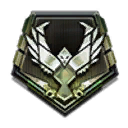
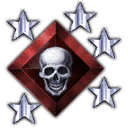
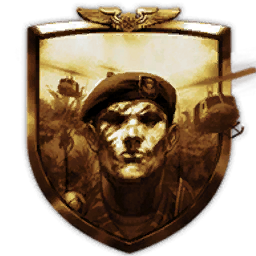
You will also be able to select a preferred headicon. (In-game select the number corresponding to the icon listed bellow)
|
1 |
2 |
3 |
4 |
5 |
6 |
7 |
8 |
9 |
10 |
|
|
|
|

|
|

|

|

|

|