



Level80
1.9M
XP
25,613
XP to level 81
- Kills 16,339
- Deaths 10,197
- K/D1.60
- Hours 55
- Rounds 1,691
- Skill 0
This week
Since November 10- 0 kills
- 0 XP
- 0 rounds
No games played this week yet.
Server rank
of 130,685 playersRivals


Arsenal
10,928 melee killsFavourite maps
-
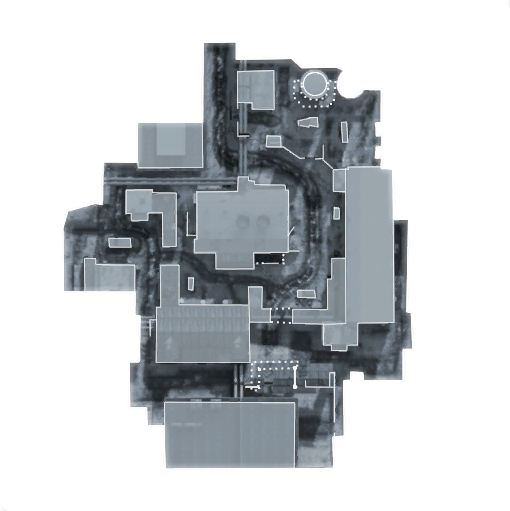 Most played WMD 160 rounds · 1,388 kills
-
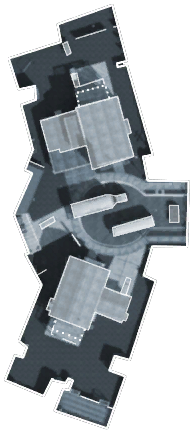 Nuketown 146 rounds · 1,823 kills
-
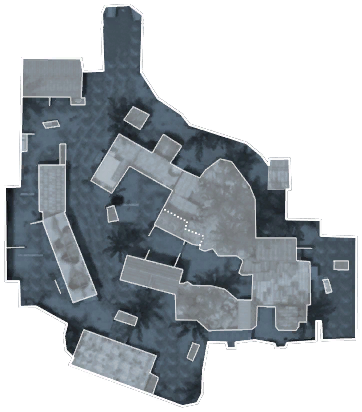 Firing Range 139 rounds · 1,511 kills
Favourites and record
- Favourite class
- Wizard
- Favourite skin
- Misty
- Best kill streak
- 84
- Worst death streak
- 49
- Points
- 0
- Visits
- 566
- Suicides
- 2,134
- Record
- 1 notice · 2 warnings · 1 kick · 9 bans
Trends
Week by week
Last 26 weeksKillsDeathsK/D (right axis)
Career
Kills per monthScroll horizontally to view more columns.
| Type | Admin | Duration | Reason | Added | Expires |
|---|---|---|---|---|---|
| Permanent ban | [UU]Griggzor | Permanent | Banned until further notice | — | |
| Temporary ban | [UU]Griggzor | 14 days | Rage Quit is NOT allowed. - 14 Days. | ||
| Warning | [UU]Bloody | 1 hour | Camping as zombie is NOT allowed | ||
| Notice | [UU]Griggzor | — | Did use wallhack before, second chance | — | |
| Temporary ban | [COD]viirusiquickz | 1 day | Rage Quit under 11 zombies is NOT allowed! - 1 day ban | ||
| Permanent ban | Classixz | Permanent | Aimbot/Wallhack - Permban | — | — |
| Temporary ban | [gg]moxa | 3 days | Rage Quit is NOT allowed! - 3 day ban | ||
| Temporary ban | [UU]uvenus | 5 days | Glitching Is NOT Allowed 5 Day Ban | ||
| Temporary ban | Classixz | 2 days | Rage Quit is NOT allowed! - 2 days ban | ||
| Temporary ban | [UU]uvenus | 3 hours | Rage Quit Is NOT Allowed 3 Days | ||
| Kick | [UU]uvenus | — | English only!! | — | |
| Warning | [UU]uvenus | 1 hour | English only! | ||
| Temporary ban | ZAMb3 | 30 days | GLITCHING - 30 DAYS (by Classixz) |