


Level51
733,873
XP
27,614
XP to level 52
- Kills 5,533
- Deaths 6,442
- K/D0.86
- Hours 161
- Rounds 1,628
- Skill 102
This week
Since November 10- 0 kills
- 0 XP
- 0 rounds
No games played this week yet.
Server rank
of 130,685 playersRivals


Arsenal
2,017 melee killsFavourite maps
-
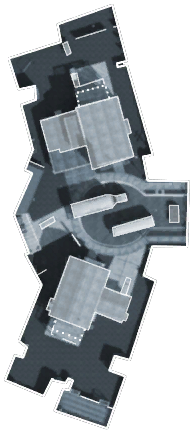 Most played Nuketown 285 rounds · 1,090 kills
-
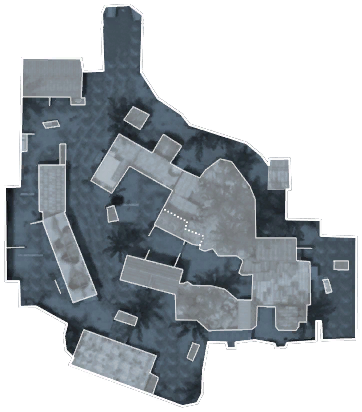 Firing Range 136 rounds · 627 kills
-
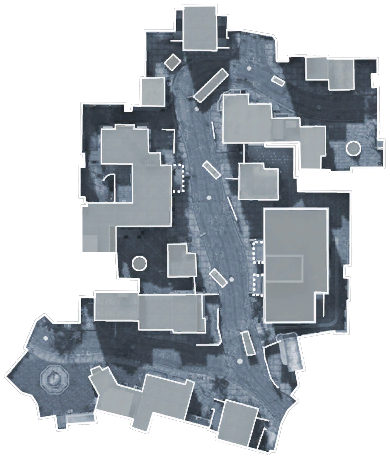 Havana 114 rounds · 379 kills
Favourites and record
- Favourite class
- Hunter
- Favourite skin
- Arlington
- Best kill streak
- 68
- Worst death streak
- 43
- Points
- 3,000
- Visits
- 256
- Suicides
- 1,824
- Record
- 4 notices · 1 warning · 7 bans
Trends
Week by week
Last 26 weeksKillsDeathsK/D (right axis)
Career
Kills per monthScroll horizontally to view more columns.
| Type | Admin | Duration | Reason | Added | Expires |
|---|---|---|---|---|---|
| Notice | ZAMb3 | — | Rage Quit by FaZe Muff Diver (did not return within 3 mins) from: [mp_array] Maptime: [0:05:40]… | — | |
| Temporary ban | ZAMb3 | 1 day | Rage Quit is NOT allowed! Auto-banned by ZAMb3 | ||
| Temporary ban | ZAMb3 | 1 day | Rage Quit is NOT allowed! Auto-banned by ZAMb3 | ||
| Temporary ban | ZAMb3 | 1 day | Rage Quit is NOT allowed! Auto-banned by ZAMb3 | ||
| Temporary ban | ZAMb3 | 1 day | Rage Quit is NOT allowed! Auto-banned by ZAMb3 | ||
| Temporary ban | ZAMb3 | 12 hours | Rage Quit is NOT allowed! Auto-banned by ZAMb3 | ||
| Warning | nagini | 1 hour | go for the objective! | ||
| Temporary ban | nagini | 4 hours | it clearly says in rules that you cannot fake afk :) 4hours ban | ||
| Temporary ban | DennyB | 12 hours | AFK | ||
| Notice | ZAMb3 | — | RQNew - by ZAMb3 | — | |
| Notice | ZAMb3 | — | RQNew - by ZAMb3 | — | |
| Notice | ZAMb3 | — | RQNew - by ZAMb3 | — |