



Level78
1.8M
XP
1,477
XP to level 79
- Kills 14,798
- Deaths 13,475
- K/D1.10
- Hours 5
- Rounds 1,338
- Skill 0
This week
Since October 27- 0 kills
- 0 XP
- 0 rounds
No games played this week yet.
Server rank
of 130,484 playersRivals


Arsenal
10,045 melee killsFavourite maps
-
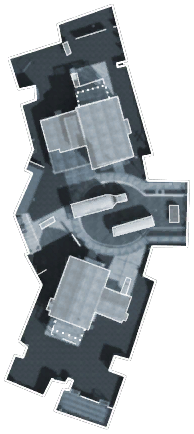 Most played Nuketown 122 rounds · 1,474 kills
 -
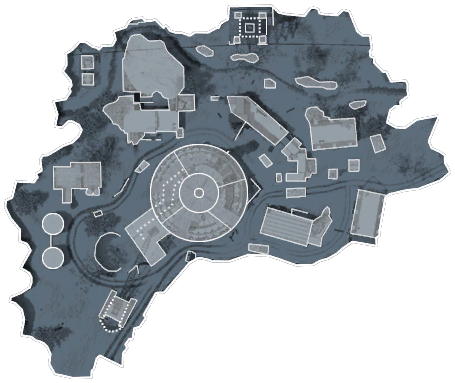 Array 105 rounds · 1,027 kills
 -
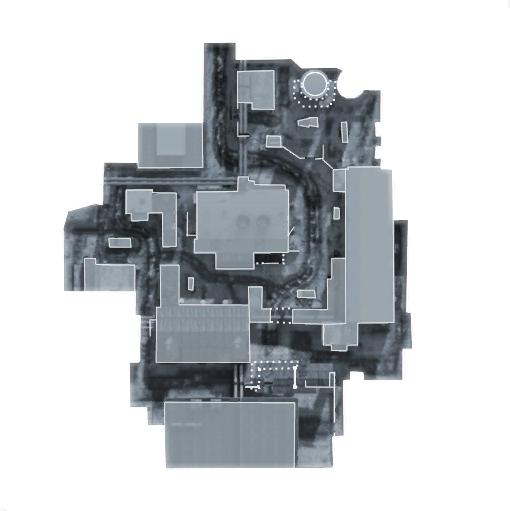 WMD 103 rounds · 1,008 kills
Favourites and record
- Favourite class
- Raven
- Best kill streak
- 10
- Worst death streak
- 30
- Points
- 0
- Visits
- 319
- Suicides
- 3,390
- Record
- 1 notice · 2 warnings · 4 kicks · 8 bans
Trends
Week by week
Last 26 weeksKillsDeathsK/D (right axis)
Career
Kills per monthScroll horizontally to view more columns.
| Type | Admin | Duration | Reason | Added | Expires |
|---|---|---|---|---|---|
| Kick | iRedroosterr | — | ovj | — | |
| Temporary ban | ZAMb3 | 1 day | rq (by iamindy33) - Ban expires 10-10-14 23:10. | ||
| Temporary ban | Ramsy | 2 days | Rage-quitting from the game as a zombie is NOT allowed! - 2 Day Ban; ban issued by Z://Ramsy | ||
| Notice | [UU]Bloody | — | afk | — | |
| Kick | Plattfuss | — | dont insult to any admins | — | |
| Temporary ban | Plattfuss | 3 days | insulting admins are not allowed | ||
| Temporary ban | s[he] be[lie]ve[ | 5 days | rq on both servers | ||
| Temporary ban | s[he] be[lie]ve[ | 30 minutes | Breaking Chews Cade | ||
| Kick | s[he] be[lie]ve[ | — | Breaking cade | — | |
| Warning | s[he] be[lie]ve[ | 1 hour | Knifing Cades | ||
| Temporary ban | ZAMb3 | 2 days | RQ - (ZAMUSA) - AB-ZAMB3 (by ZAMBb3) - Ban expires 06-07-14 19:07. | ||
| Temporary ban | s[he] be[lie]ve[ | 2 days | Rq under 11 zombies NOT ALLOWED | ||
| Kick | s[he] be[lie]ve[ | — | Rejoin Gliching | — | |
| Temporary ban | s[he] be[lie]ve[ | 3 hours | Ban Rq under 11 zombies | ||
| Warning | [COD]viirusiquickz | 1 hour | Spamming/Disrespecting |