



Level119
4.3M
XP
20,337
XP to level 120
- Kills 36,346
- Deaths 25,349
- K/D1.43
- Hours 1
- Rounds 2,063
- Skill 0
This week
Since October 27- 0 kills
- 0 XP
- 0 rounds
No games played this week yet.
Server rank
of 130,516 playersRivals


Arsenal
17,863 melee killsFavourite maps
-
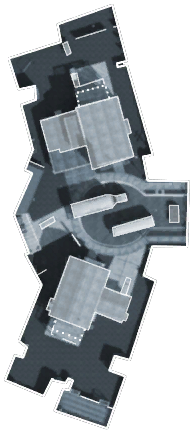 Most played Nuketown 171 rounds · 3,476 kills
-
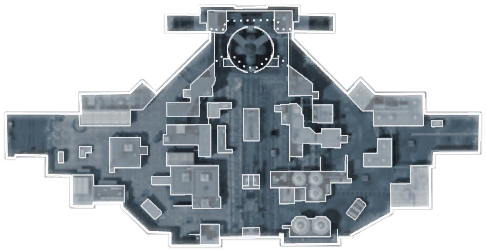 Launch 163 rounds · 2,501 kills
-
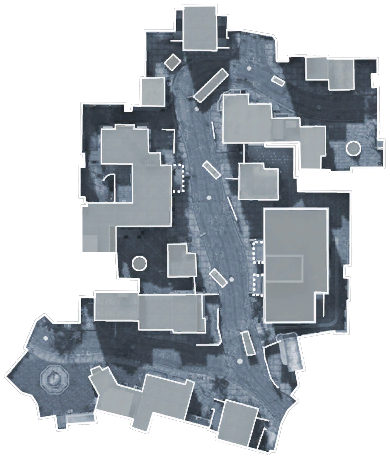 Havana 156 rounds · 2,514 kills
Favourites and record
- Best kill streak
- 29
- Worst death streak
- 30
- Points
- 0
- Visits
- 517
- Suicides
- 5,016
- Record
- 3 warnings · 5 kicks · 7 bans
Trends
Week by week
Last 26 weeksKillsDeathsK/D (right axis)
Career
Kills per monthScroll horizontally to view more columns.
| Type | Admin | Duration | Reason | Added | Expires |
|---|---|---|---|---|---|
| Temporary ban | ZAMb3 | 3 days | Rage quit As first infected zombie is not allowed 3 days Ban ! (by Plattfuss) - Ban expires 28… | ||
| Warning | iRedroosterr | 1 hour | go for the objective! | ||
| Temporary ban | ZAMb3 | 2 days | Rage quit under 11 zombis is not allowed 2 days ban ! | ||
| Kick | [UU]Griggzor | — | Breaking cades so survivals dies | — | |
| Warning | [UU]Griggzor | 2 days | Breaking cades on purpose | ||
| Kick | [UU]Braby* | — | feeding | — | |
| Temporary ban | ZAMb3 | 2 days | Rage quit under 11 zombis | ||
| Kick | PooPooMan5000 | — | glitching is not allowed | — | |
| Temporary ban | s[he] be[lie]ve[ | 3 hours | breaking cades,causing deaths | ||
| Kick | s[he] be[lie]ve[ | — | Breaking cades | — | |
| Warning | s[he] be[lie]ve[ | 1 hour | No breaking cades | ||
| Temporary ban | ZAMb3 | 3 days | Rage Quit as First Zombie Is NOT Allowed, 3 Day Ban (by b3) | ||
| Temporary ban | [UU]KickArse | 3 days | Rage Quit as First Zombie is NOT Allowed! - 3 Days Ban | ||
| Temporary ban | [gg]moxa | 3 days | Rage quit is not allowed - 3 day ban (Happy new Year) | ||
| Kick | Bounty | — | suic | — |