I do not recommend doing this for gameplays, use the /record command instead.
1. Download the attached mod files.
2. Open Steam, Right click on Black Ops and go to [Properties] and then [Local Files]. Click on [Browse Local Files].
3. Open the folder called "mods".
4. Rename the folder called "mp_ZombieAnnihilationV9" to something else. Ex. "mp_ZombieAnnihilationV9_backup".
5. Extract the mod you downloaded in step one into that folder. It should create a folder called "mp_ZombieAnnihilationV9" and inside it there should be two files. "mod.ff" & "mp_ZombieAnnihilationV9.iwd".
6. Start Black Ops, Load the mod "mp_ZombieAnnihilationV9" and play any clip you want.
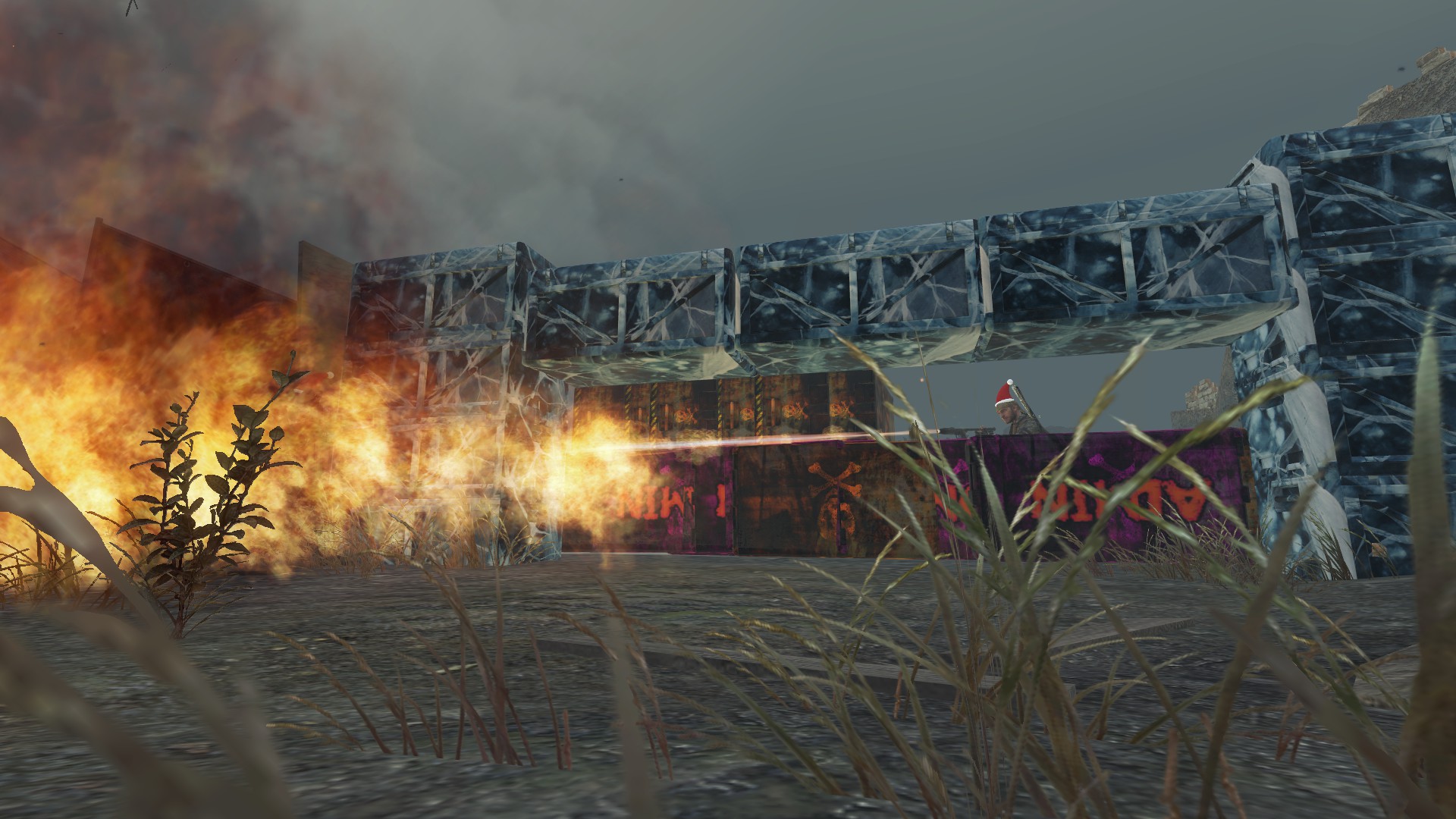
You can use this to make cinematics or things like that, I do not recommend using this for anything else other than that due to this mod is a way of making the game not load any models and by that not making anything crash.
mp_ZombieAnnihilationV9.zip

 Founder