xEno
 [ZAM] Member
-
Joined
-
Last visited
Everything posted by xEno
-
Dumb Post Don't understand idea of this Post
-
Your in-game name:Ultraviolet Your Steam profile link:https://steamcommunity.com/profiles/76561198060451292/ What country are you from?:Latvia How much do you play ZAM?:In black ops i'm 1,159 hours played, Zam i played more than 800 hours. In zam i'm 2 years. Have you read and followed the requirements?(Yes/No):Yes
-
Hey all. I was play a ZAM server 2 days ago and player Mooony camper as zombie and killed Swift Rebel. Report by [ZAM]Ultraviolet http://imgur.com/QBQcOzT
-
Hey all. Today i was play a ZAM server. And see how player [PRO]Lord glitched in map grid. Report by [ZAM]Dep-Ultraviolet http://imgur.com/OdnqYdY
-
Hey all. Today i was play a ZAM and see how player Zykron like a <3 glitch in Jungle. Report by [ZAM]Dep-Ultraviolet http://imgur.com/iyIiTWx
-
Hey all. Today i was played ZAM server in map Launch. I get pts and i runned to camp. I found a place where i can camp but. Zombie Vov4ik was camped to and i not see he. And he killed me. But camp with zombie not allowed. Report by [ZAM]Dep-Ultraviolet

-
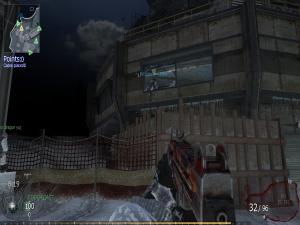
Hey. Unity|JAH-BLOOD player do a glitch in a map Array mini. He do a bug with escaper class. Report by [ZAM]Dep-Ultraviolet
-
Hey all. I want report a mvp bug. I was played and see how Golden_Nick player use a mvp bug. And now i know how to use it. First when end map and download a next map press all time a 42. Then you get a marksman class. Then you need get a 2700 pts and buy killjoy. Then you get again menu where can pick class. You fast pick a class mvp. And you get mvp weapons and class. Report by [ZAM]Dep-Ultraviolet