Chrome (Android)
Tap the lock icon next to the address bar. Tap Permissions → Notifications . Adjust your preference.
Chrome (Desktop)
Click the padlock icon in the address bar. Select Site settings . Find Notifications and adjust your preference.
Safari (iOS 16.4+)
Ensure the site is installed via Add to Home Screen . Open Settings App → Notifications . Find your app name and adjust your preference.
Safari (macOS)
Go to Safari → Preferences . Click the Websites tab. Select Notifications in the sidebar. Find this website and adjust your preference.
Edge (Android)
Tap the lock icon next to the address bar. Tap Permissions .
Find Notifications and adjust your preference.
Edge (Desktop)
Click the padlock icon in the address bar. Click Permissions for this site . Find Notifications and adjust your preference.
Firefox (Android)
Go to Settings → Site permissions . Tap Notifications . Find this site in the list and adjust your preference.
Firefox (Desktop)
Open Firefox Settings. Search for Notifications . Find this site in the list and adjust your preference.






![[ZAM]Back to the past](https://undeaduprising.net/uploads/monthly_2017_11/5a047fc4e8ac0_ZAMpoints2014years.PNG.23ccba42b2e968bc051dd86224eed833.PNG)

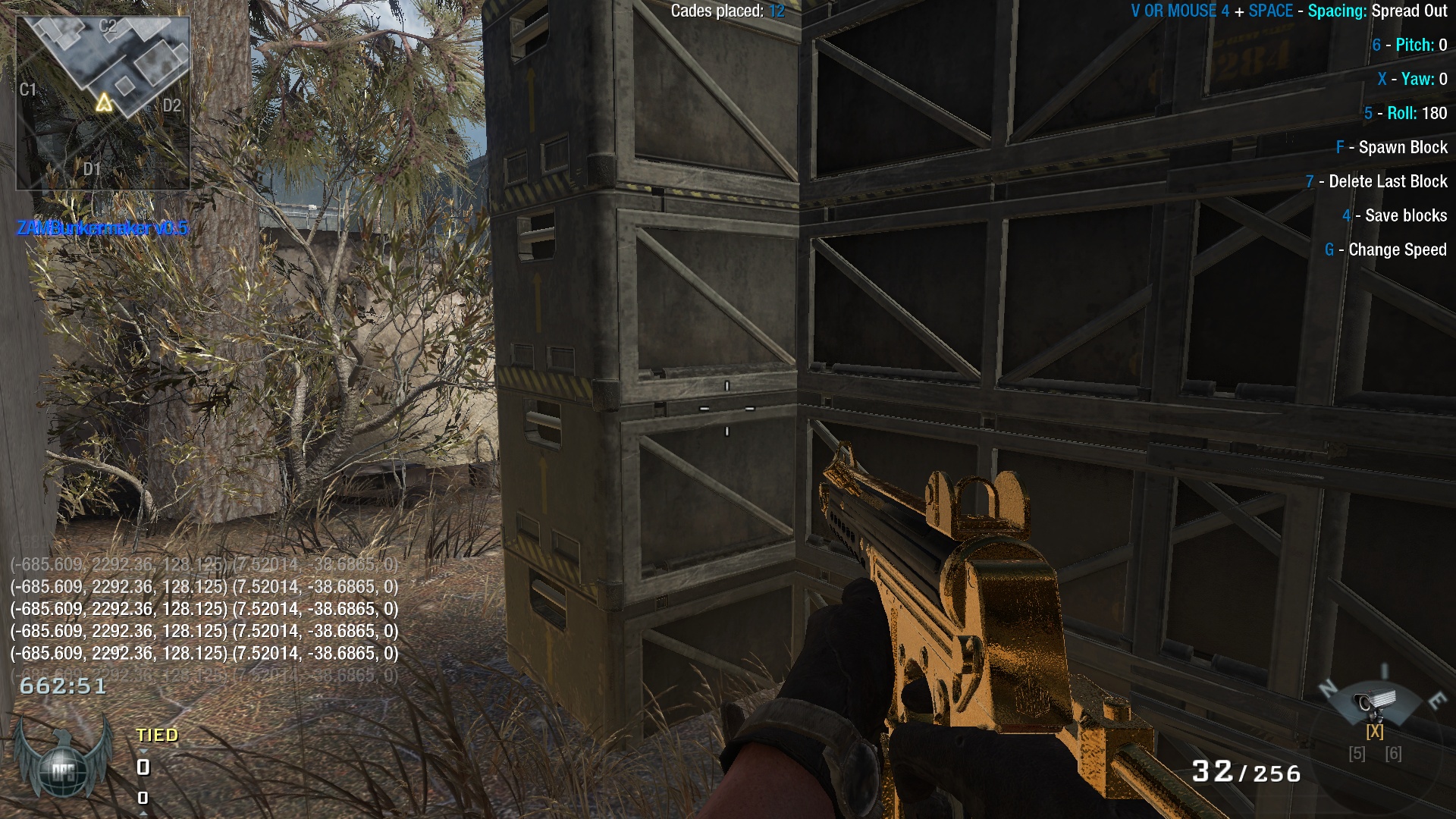
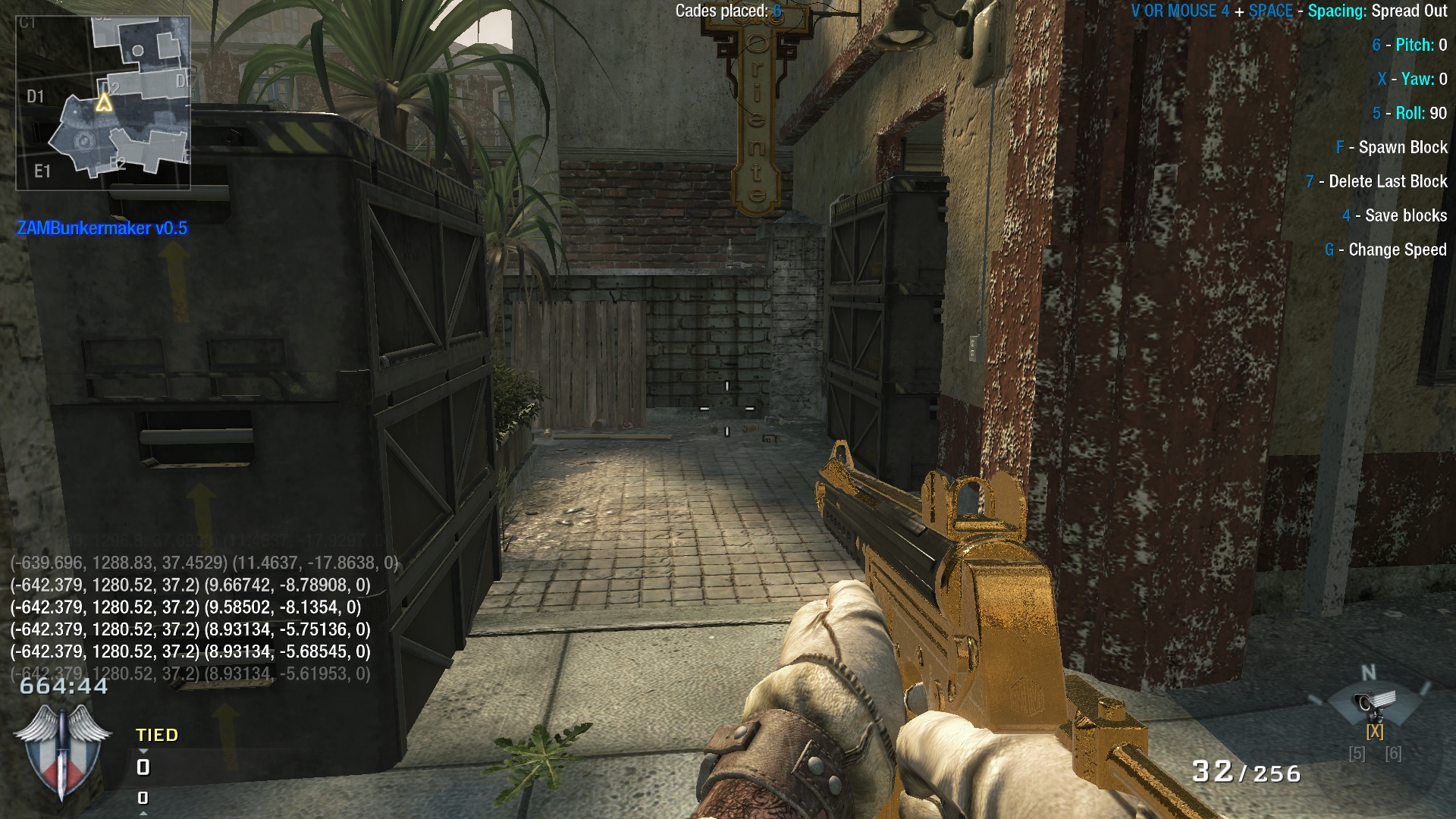


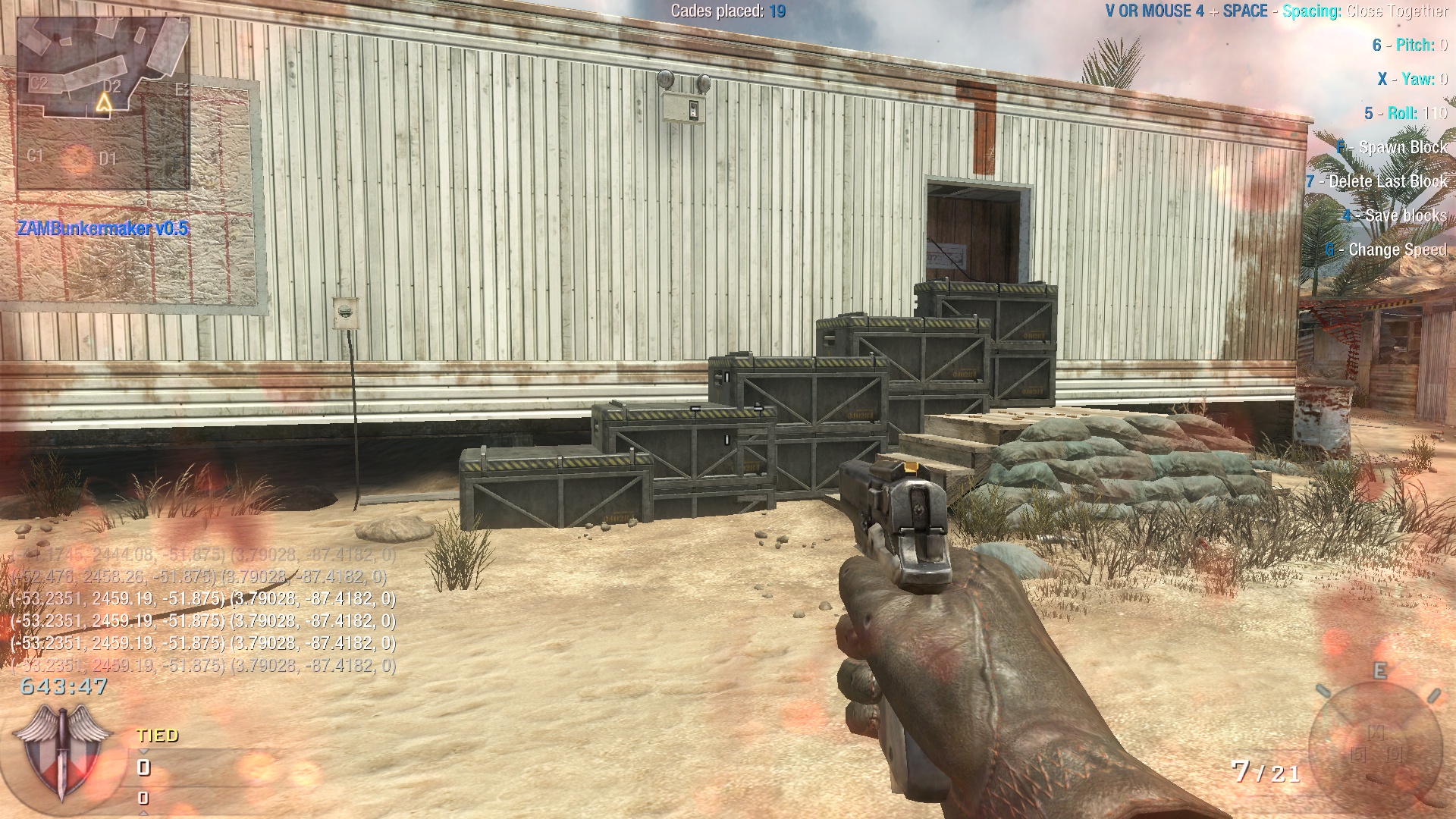
![[BUG] [Players can do everything, even if you cannot.]](https://undeaduprising.net/uploads/monthly_2017_11/image.png.eb86d9071b0fca82fea556c46923e58f.png)
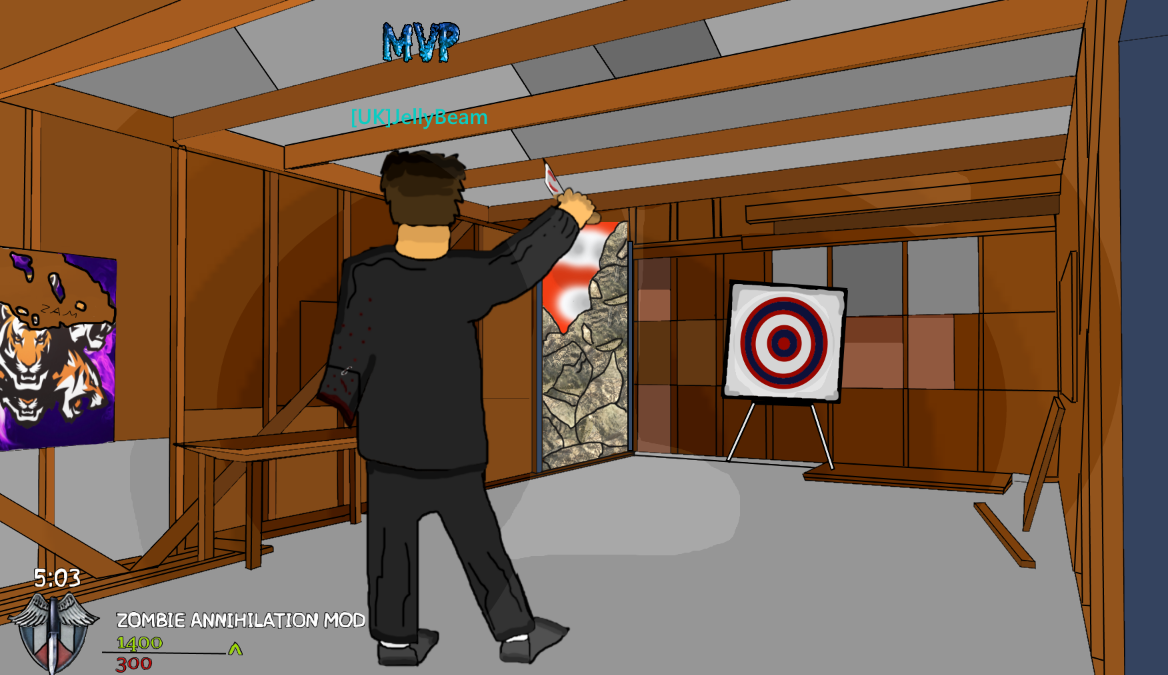
![ZAM, FAN HEADCOIN MVP [HALLOWEEN EDITION]](https://undeaduprising.net/uploads/monthly_2017_11/59facce6d6885_PumpceanheadMVP.PNG.9098cdc6c2f0a39bfc1bed863299dbdc.PNG)