
Crouch Dragon
Users
-
Joined
-
Last visited
Everything posted by Crouch Dragon
-
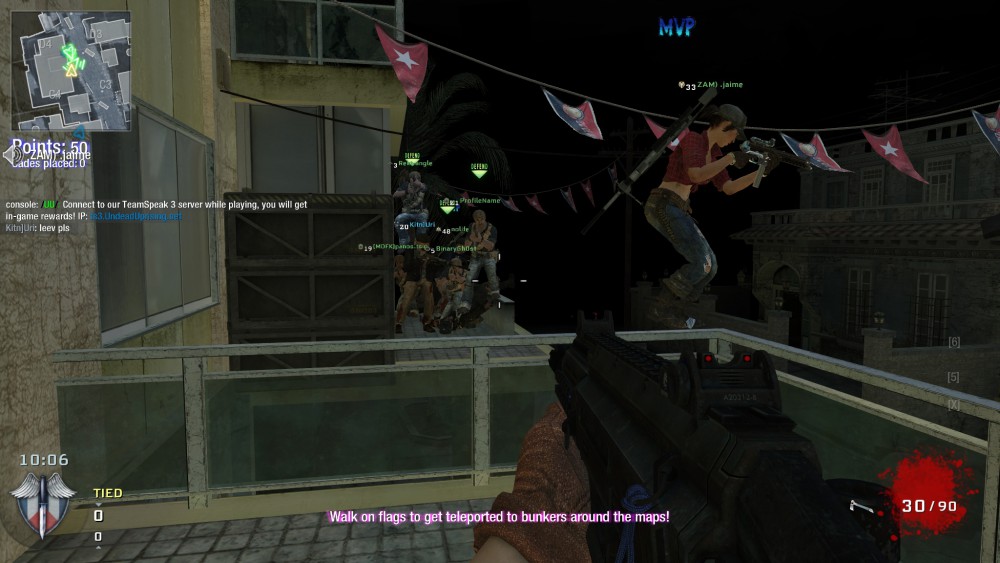
Mega fun times this weekend on US server, here's a group photo from one of the games
-
First step is reading how to apply:
-
I'd like to check it out. What time is start, and what time zone
-
I think a warning system makes sense. I also think it makes sense that newer members get more RQ warnings points before ban than say the longer playing members. ie. more chances given to new player - less chance given to regular players. How hard is this to administrate or setup, etc.. though? If too hard, then just stick with 2 day ban for quitting and keep it simple. In reality 2 days isn't really an impact on someone new checking it out who probably doesn't give a shit in the first place. They might not come back for a week and not even know they were "banned". Just a thought.
-
Issue is now resolved, thanks everyone for the support! appreciate it!
-
Hi, no sweat, thanks for the reply! On May 21st order # 9926762 I bought the $12.99 USD 3-pack. Its in my order history, see below. Thanks so much! May 21 Order #9926762 · View Details Paid $12.99 Arlington :: CIA :: Misty Quantity: 1 Unit Price: $12.99
-
Hi, I bought 3-pack of skins May 21 and they worked for 2-3 weeks and now no longer work. I opened support ticket #225 can someone please fix this for me or get back to me if something can be done about it? thanks, Crouch Dragon